
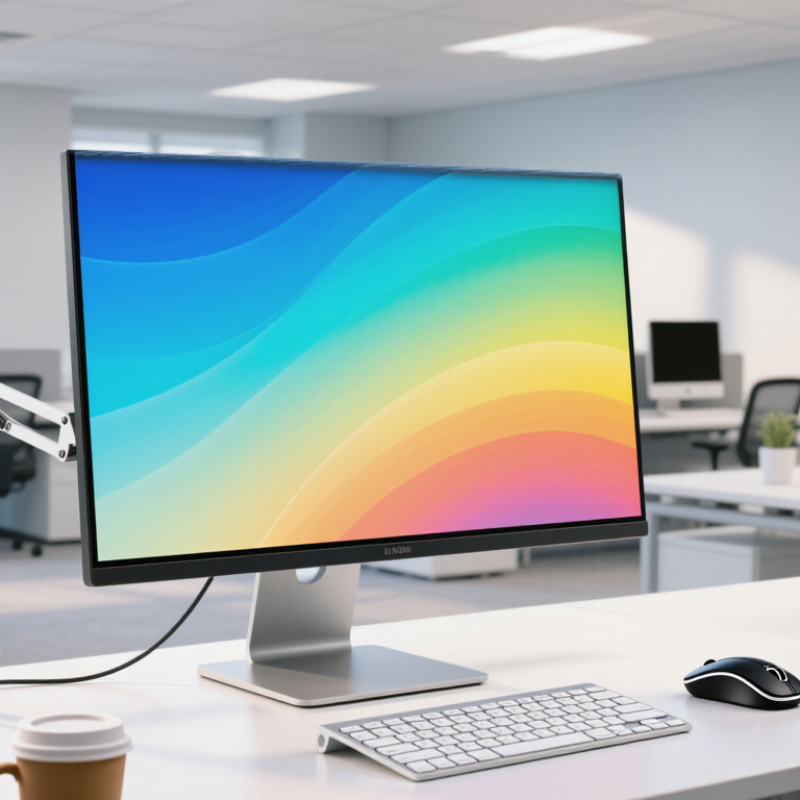
Choosing an LCD monitor for business starts with the work performed each day.
Panel type affects comfort, color, and viewing consistency. IPS panels usually provide accurate colors and wide viewing angles. They suit design reviews, shared spreadsheets, and client presentations. VA panels often deliver deeper contrast, which helps with charts and dark images. TN panels can respond quickly and cost less, but their viewing angles and color quality may disappoint. I would test text at normal working distance, not only inspect a specification sheet. Small differences become obvious after several hours.
Screen size should match desk depth and software habits.
A 24-inch display fits compact workstations and basic office tasks. A 27-inch screen gives documents more breathing room without feeling excessive. Larger screens help analysts compare windows, although they can encourage awkward head movement. Measure the desk before ordering. A 4K display makes fine text and detailed tables look sharp, but scaling may be necessary on smaller screens. Full HD remains practical for routine email and web applications. QHD sits between them and often balances workspace, clarity, and cost.
Resolution alone is not enough.
Check pixel density, operating-system scaling, refresh rate, and connection compatibility. A bright screen may look impressive in a showroom yet feel tiring beside a window. Matte coatings reduce reflections, though some can soften text slightly. I once favored maximum resolution and underestimated scaling issues. That choice created cramped menus.
Real work exposed the mistake. Compare sample documents, not promotional images. Also consider height adjustment and blue-light controls, because posture and eye comfort affect productivity every afternoon.